 CoachPool
Using the app
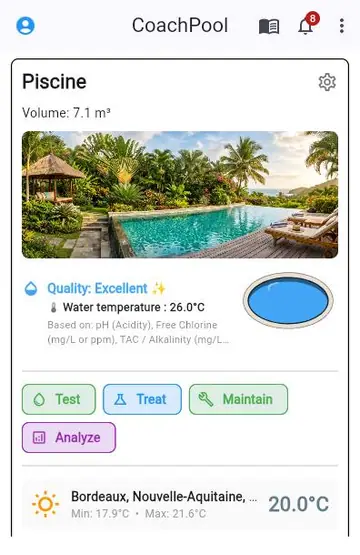
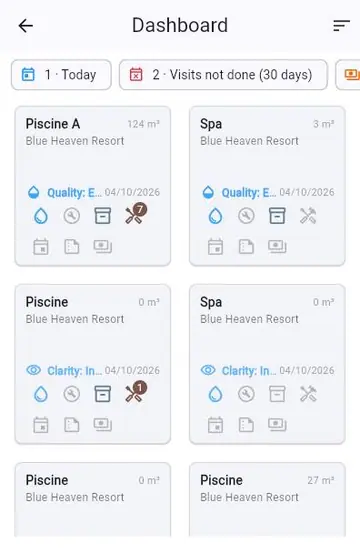
Add a pool/spa : from the ⋮ menu at the top of the home screen, choose "Add pool/spa" to launch the assistant — it walks you through the type (pool/spa), dimensions and volume. Each pool then shows up as a card on the home screen, with its water quality, weather and quick actions.
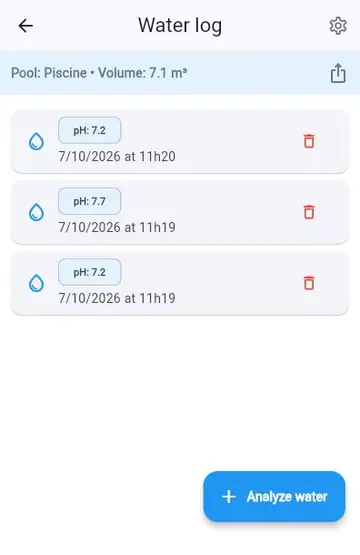
Water log : record your test results (pH, chlorine, alkalinity...) based on your testers. The app computes an overall quality score and shows which parameters it's based on.
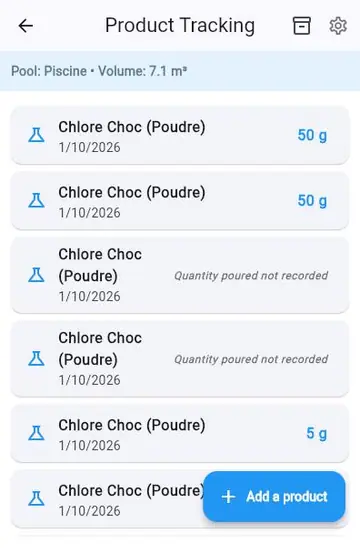
Product tracking : log products you've poured in, or enable stock management to track your supplies and get an alert when a product is running low.
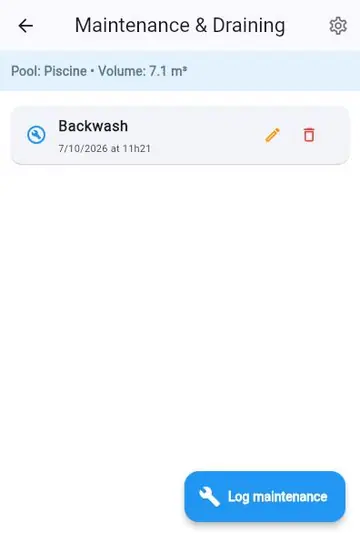
Maintenance : log your maintenance work (filter backwash, skimmer cleaning...) from a customizable catalog.
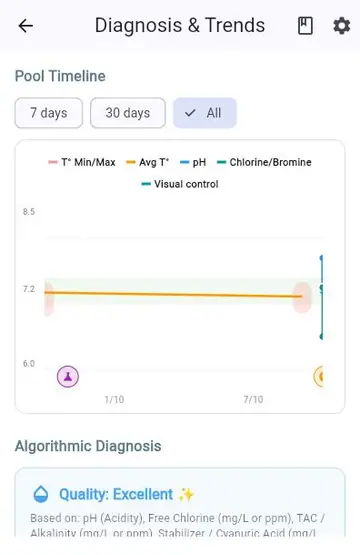
Analysis & Advice : follow how your parameters change over time on a chart, with an overall diagnosis and customizable targets.
Notifications : set up reminders (testing, maintenance) and alerts (degraded quality, low stock) per site or per pool, and check their history via the bell icon at the top of the home screen.
Settings : change the language, units (metric/imperial), and manage your account from the ⋮ menu.